
+91-9825545777
₹1,599.00

₹1,299.00


₹1,599.00
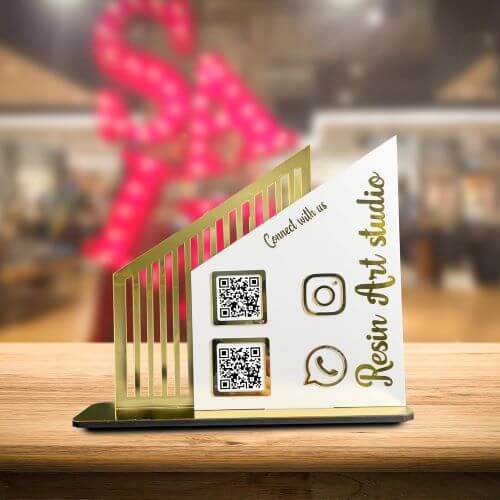
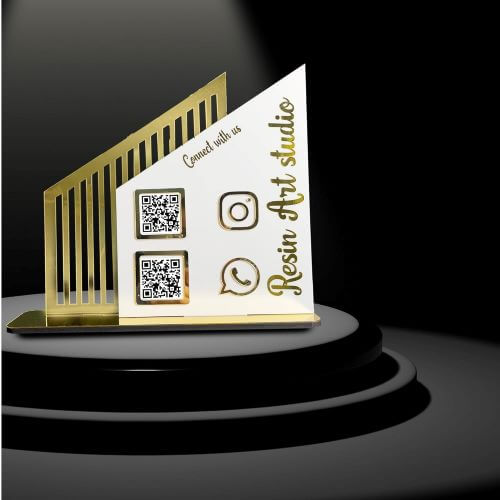
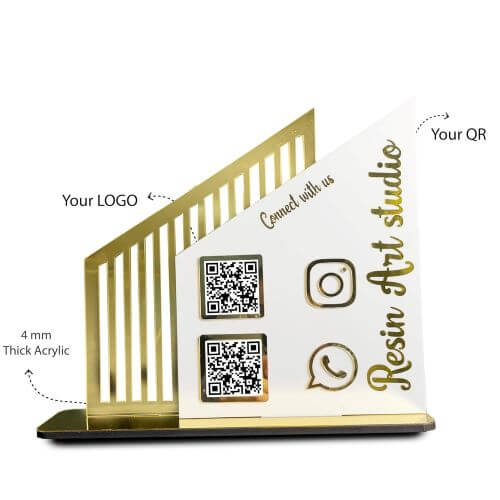
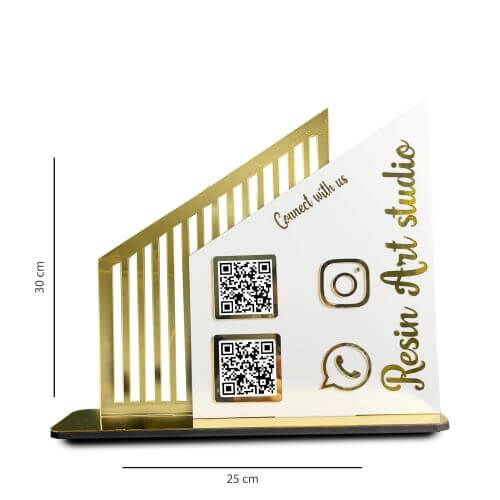
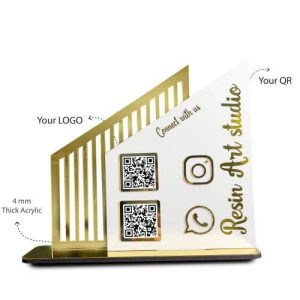
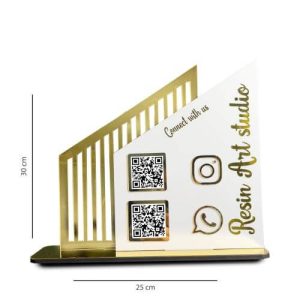
A modern qr code stand designed for fast and accurate scanning at business counters.
This modern qr code stand is built for businesses that want a clean, professional and easy-to-scan display on their counter. It helps customers instantly open your Instagram, Facebook, WhatsApp, Google Pay or website link without typing or searching manually.
Whether you’re running a boutique, café, salon or event stall, this stand enhances your business presentation and improves customer flow. The upright acrylic construction provides a clear line of sight, making scans quick and effortless.
Unlike flat prints, this stand offers a raised, angled position that improves scan accuracy. The design blends with any business environment and gives your counter a modern look. This makes the qr code stand for social and payment scanning ideal for busy customer areas.
This qr code scanner stand is the perfect solution for businesses looking to boost reviews, followers, repeat visits and payment convenience. Customers can scan instantly while making purchases or inquiries.
The elegant qr code standee design is crafted to match modern interiors while keeping your QR perfectly visible. This increases the chances of customers scanning your code during checkout or inquiry.
The detailing and clean finish of this product reflect the craftsmanship associated with Resin Art Studio, known for premium custom-made display pieces.
For seamless payment setup and scanning tips, explore the official Google Pay Business Guide.


